I'll admit something embarrassing: I spent three weeks building a client dashboard prototype in Figma, wiring click-through interactions, exporting frames, recording a Loom walkthrough, and sending the whole package to a stakeholder who responded with "can you make the sidebar collapsible?" I threw the laptop at a pillow. Gently. But I threw it.
Two days later, a colleague casually mentioned Claude Artifacts during standup. "Yeah, I just described the dashboard and it built a working React prototype in the chat window. Interactive. With state. Took about four minutes." I thought he was exaggerating. He wasn't. And that interaction fundamentally rewired how I approach early-stage product work.
What Artifacts Actually Are (And Are Not)
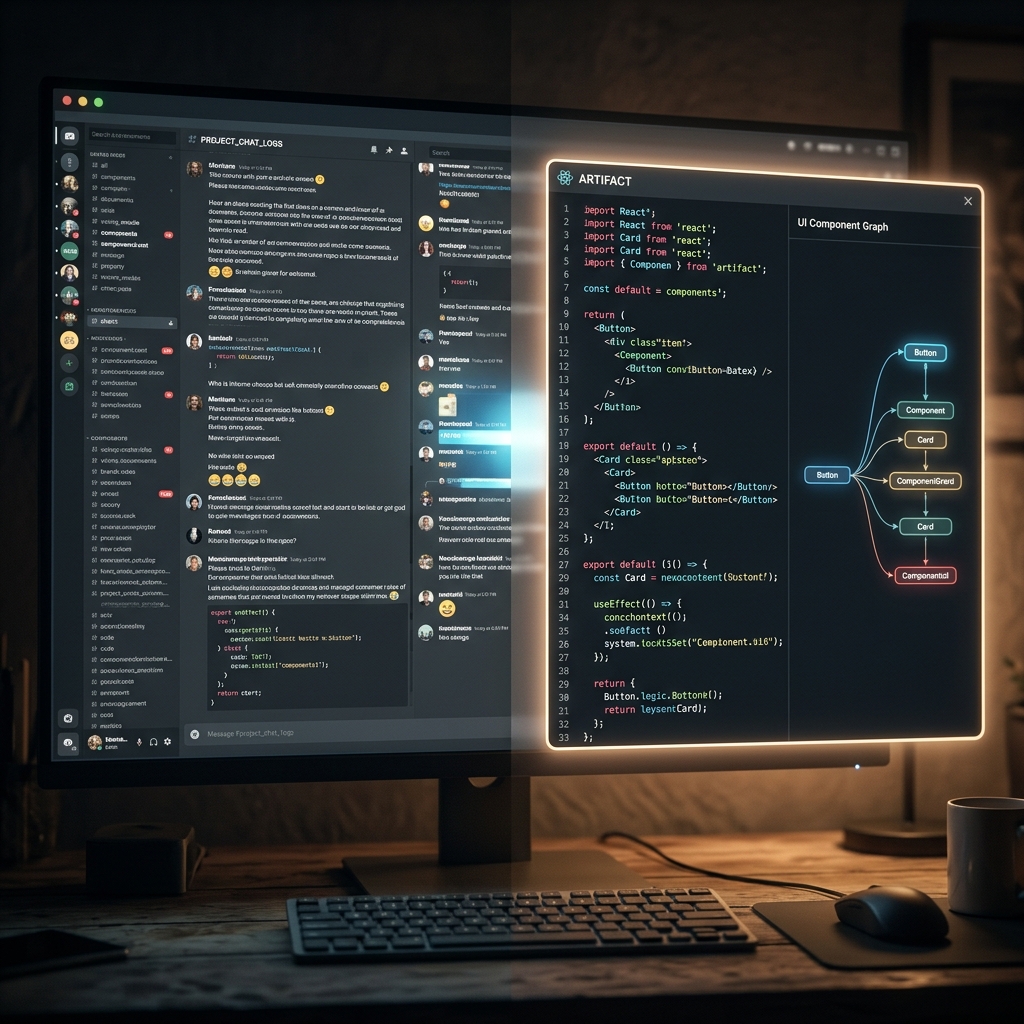
Claude Artifacts is a feature that renders code outputs — HTML, CSS, JavaScript, React components, SVG, Mermaid diagrams — directly inside the Claude interface as a live, interactive preview. You describe what you want, Claude writes the code, and instead of dumping a wall of text at you, it renders the result in a side panel you can click, scroll, type into, and interact with. It's a live sandbox embedded in a conversation.
What it is not: a production deployment tool, a Figma replacement for pixel-perfect design systems, or a full-stack application builder. The artifacts are self-contained — no backend calls, no database connections, no external API integrations. They're static React components rendered in an iframe sandbox. And that constraint, rather than limiting, is precisely what makes them powerful for prototyping.
Why This Is a Big Deal for Product Teams
The traditional prototyping workflow looks like this: product manager writes a spec → designer creates wireframes → designer builds high-fidelity mockups → developer builds a clickable prototype → stakeholder reviews → everyone argues about what "intuitive" means → loop back to step two. This cycle takes days. Sometimes weeks.
With Artifacts, the loop compresses to minutes. A PM can sit in a Claude session and say: "Build a settings page for a SaaS app. It should have a left sidebar with navigation sections for Profile, Billing, Team Members, Integrations, and Security. The Profile section should show avatar upload, name, email, and timezone selector. Use a dark theme with rounded cards." Claude generates it. The PM clicks through it. "Make the sidebar collapsible on mobile." Claude updates it. "Add a confirmation modal when the user clicks 'Delete Account'." Done. Three iterations in ten minutes. With a working, interactive prototype that a developer can reference directly.
That velocity doesn't just save time. It changes the quality of conversations. Instead of debating abstract wireframe layouts in a meeting, you're pointing at a functioning interface and saying "this button should be here, that dropdown should show these options." Concrete beats abstract every time.
The Techniques That Actually Work
Start With Layout, Then Add Interactivity
The biggest mistake people make with Artifacts is trying to describe everything at once. Don't. Start with structure: "Create a two-column layout. Left sidebar 280px wide with a dark background. Main content area with a header, three card components in a grid, and a footer." Get the bones right. Then layer interactivity in follow-up messages: "Make the cards clickable. When clicked, show a modal with details. Add a smooth fade-in animation."
Claude handles incremental refinement exceptionally well. Each message modifies the existing artifact rather than regenerating from scratch. This means you can iterate on a complex prototype over twenty messages without losing state or starting over.
Use Specific Component Libraries in Your Descriptions
Instead of saying "make it look modern," reference specific design patterns: "Use a card style similar to Stripe's dashboard — white cards on a light gray background, subtle shadows, 8px border radius, Inter font." Claude knows what Stripe's dashboard looks like. It knows the Notion sidebar pattern. It knows the Linear issue tracker layout. Leveraging these references produces dramatically better output than generic aesthetic descriptions.
Data Visualization Is Surprisingly Strong
One of Artifacts' underrated capabilities is generating interactive charts and data visualizations. Claude can produce Recharts-based line graphs, bar charts, pie charts, and area charts with mock data — all interactive with hover tooltips and smooth animations. For investor decks, analytics dashboards, and data product prototypes, this alone saves hours of work. I've shipped artifact screenshots directly in pitch decks. Clients couldn't tell they weren't from a production app.
State Management for Complex Flows
Artifacts support React's useState, useEffect, and even useReducer for complex state management. This means you can prototype multi-step forms, wizard flows, shopping cart interactions, and tab-based navigation with real state transitions. Clicking "Next" actually advances the form. Filling in a text field actually stores the value. Toggling a switch actually changes the UI. This level of fidelity in a prototype, generated from a text description, genuinely did not exist eighteen months ago.
The Limitations (Don't Skip This Section)
No external data. You can't fetch from APIs, connect to databases, or load images from URLs. All data must be hardcoded as mock data within the component. For data-heavy prototypes, this means you need to provide the mock dataset in your prompt — or tell Claude to generate realistic sample data.
Styling is good, not pixel-perfect. Claude's CSS output is competent and often impressive, but it won't match a designer's polished handcraft. Spacing will occasionally be off. Typography hierarchies will sometimes feel flat. It's a prototype, not a deliverable. Treat it accordingly.
Complex animations are hit-or-miss. Simple transitions (fade, slide, scale) work reliably. Complex animations involving scroll-triggered effects, parallax, or physics-based motion will often produce janky results that require manual refinement. Stick to subtle micro-interactions for the best outcome.
Mobile responsiveness requires explicit instruction. Claude won't automatically make artifacts responsive unless you ask. Always include "make it responsive — stack the columns on screens below 768px" in your initial description or as a follow-up refinement.
My Actual Workflow Now
Here's what my prototyping process looks like after six months of using Artifacts daily:
- Client describes a feature in a Slack message or call
- I open Claude and describe the feature as a React component, referencing specific design patterns
- Claude generates the artifact in ~15 seconds
- I iterate 3-5 times, refining layout, colors, and interactions
- I screenshot or screen-record the artifact and share it with the client for feedback
- Client responds with specific, concrete feedback (because they're looking at a real thing, not a wireframe)
- I hand the final artifact's code to the development team as a reference implementation
Total time from idea to stakeholder-approved prototype: 20-40 minutes. Previously: 2-5 days. That's not an incremental improvement. It's a category shift.
Want to write better prompts for Claude — whether for artifacts or anything else? Try our Prompt Builder, which optimizes instructions specifically for Claude's preferred prompt structure.